The mysterious triangle on Samsung screens: what this icon means
Samsung Galaxy owners often encounter an unexplained triangle icon in the status bar, which limits notification activity.
 💡Tech
Photo: UNIAN
Key points
- Triangle indicates Data Saver mode
- Feature restricts background app activity
- Settings can be adjusted in the network menu
Samsung Galaxy smartphone users often notice an unusual symbol in the status bar shaped like a triangle with arrows pointing up and down. While many perceive this indicator as a sign of a technical malfunction, it is actually a standard system feature of the One UI interface.
What does this indicator mean?
This icon indicates that the "Data Saver" mode is active. This feature restricts background mobile data usage by apps, which helps significantly reduce data consumption. As a result, users may experience delays in receiving messages from messengers or email clients, as the system prevents apps from connecting to the network autonomously.
Most often, this mode is enabled accidentally via the quick settings panel or due to improper device handling. To restore full functionality, simply go to the network settings and turn off the corresponding switch.
It is worth noting that this feature is useful when roaming or using data-capped plans. Users also have the option to set exceptions by adding important apps to the "allowed" list, ensuring they continue to work in the background even when the data saver is active.
Source UNIAN — unian.ua/techno/software/trikutnik-u-ryadku-stanu-samsung-shcho-ozn… ↗
Read next
 🏙️City
How to stay warm in winter: expert tips for residents
As temperatures drop, finding ways to stay warm without high energy costs is essential. Experts suggest focusing on heat retention and localized heating methods.
 🛡️Security
Russian Colonel Suspected of Ordering Chemical Weapons Use Against Ukrainian Troops
Ukrainian authorities have charged a Russian regimental commander with ordering the use of prohibited chemical grenades against border guards.
 🏙️City
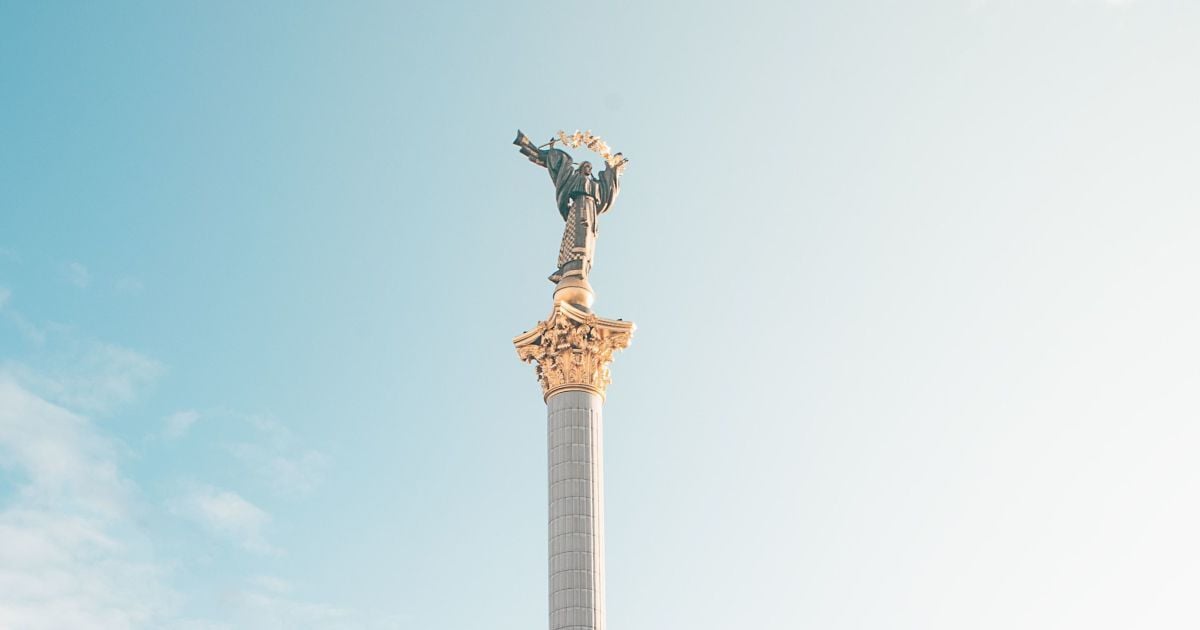
Day of Dignity and Freedom: History and Significance
On November 21, Ukraine marks the Day of Dignity and Freedom, honoring the participants of two revolutions that shaped the nation's history.
 🛡️Security
Missile strike on Kryvyi Rih kills two, including a child
A Russian strike on Kryvyi Rih has resulted in the deaths of a 20-year-old woman and a 7-year-old boy, with 42 people reported injured.
 👥Society
Unique precedent: 12-year-old Ukrainian girl returned from Italy to her father
For the first time during martial law, an Italian court ruled to return a child left without parental care to Ukraine.
 🏛️Politics
Diplomatic maneuvers: E3 security advisors may visit Moscow for talks on the conflict
Representatives from Germany, France, and the UK are considering a visit to Russia to discuss a potential settlement of the conflict in Ukraine.